Ray Poynter, 1 August 2026
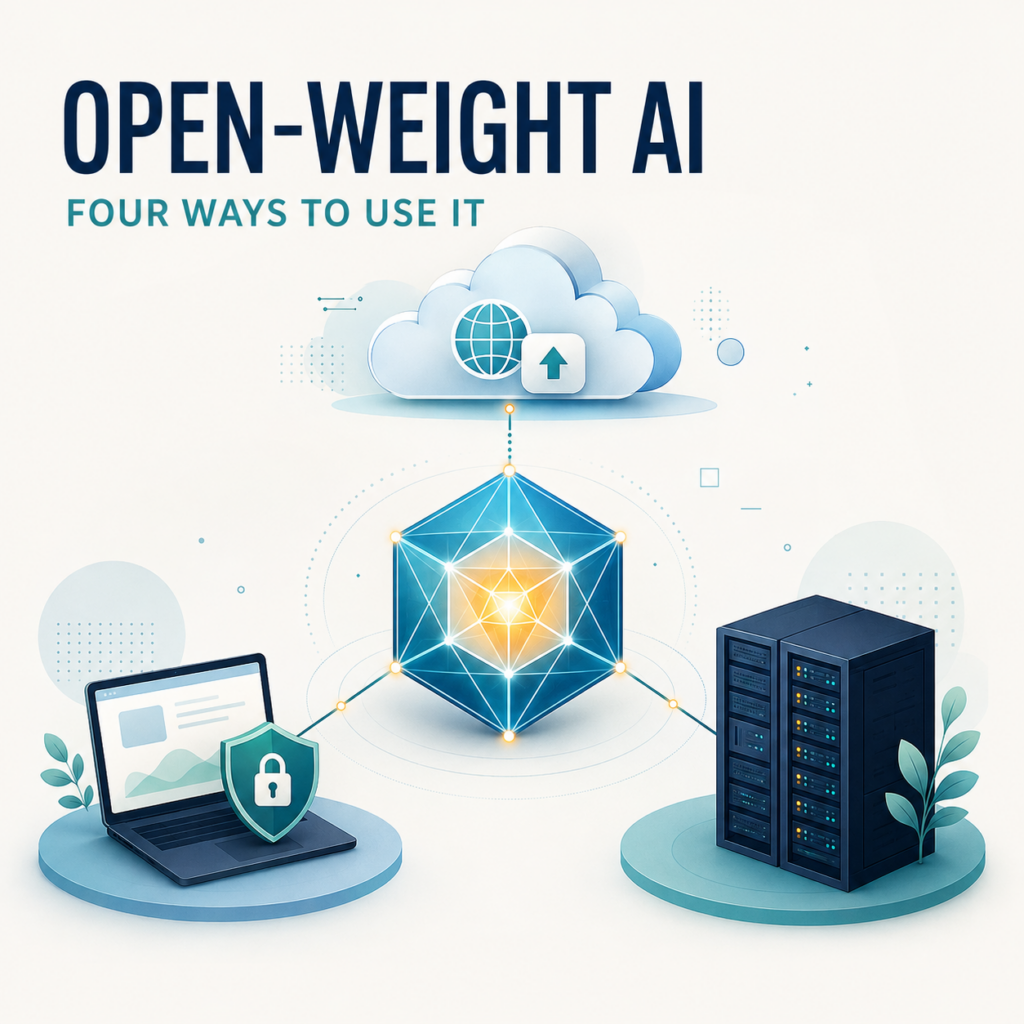
Open-weight AI is often discussed as though releasing the model automatically makes AI accessible. In practice, access depends on the interface, the computing power required and what the user is trying to achieve. In this post I will tell you about open-weight AI and the four main ways it is being used.
A recent LinkedIn post by Zontziry Johnson asked whether open-weight AI matters to most people. After all, an ordinary user can subscribe to ChatGPT, Claude or Gemini, click an icon and start working. Why would that person download a model, learn command-line instructions or think about graphics processors and the servers that run these models?
For many people, the answer is that they will not. At around £20 a month, the familiar AI subscriptions offer an extraordinarily easy route to some of the most capable models available. Most users do not exhaust their allowance and have little reason to look elsewhere.
However, this does not make open weights irrelevant. Their importance becomes clearer when we distinguish between four different ways of using them.
What does ‘open weights’ mean?
The weights are the billions of numerical values a trained model has learned. If the developer releases those weights, other people can download the model and run it on computing equipment of their choice, subject to its licence.
Open weights does not necessarily mean open source. The training data, data preparation and complete training code may not have been published. The licence may also impose conditions on commercial use, modification or redistribution. The Open Source Initiative explains this distinction.
Another important point is that an open-weight model is not necessarily free to use. The model file might be available without charge, but somebody still has to supply the computers, electricity, storage, security and technical support needed to run it.
Chinese open-weight models
Some of the most interesting open-weight model families, including Qwen from Alibaba and DeepSeek, originate in China. They have attracted users because they can offer considerable capability and potentially substantial cost savings, particularly when a smaller model is sufficient or competing hosts offer low prices for running them.
However, some Western organisations are reluctant to send confidential or personal information to an AI service hosted in China. That concern is not purely theoretical. DeepSeek’s privacy policy says that its online service directly collects, processes and stores users’ personal data in the People’s Republic of China. The Italian data protection authority has also taken enforcement action concerning the DeepSeek service and its handling of personal data.
This is where the distinction between a model and a service becomes especially important. If an organisation downloads an open-weight Chinese model and runs it on its own computer or servers, its prompts and documents do not need to go to China. The same is true when the model is hosted by a suitable provider in the UK, EU or another acceptable jurisdiction. That removes the particular concern about research data being processed on Chinese servers.
It does not remove every consideration. The organisation should still assess the model’s licence, provenance, security, embedded behaviours and suitability for the task, as well as the software used to run it. Nevertheless, the freedom to choose where the model runs is one of the clearest practical benefits of open weights.
1. Use an online multi-model service such as OpenRouter
The easiest way to try a wide range of open-weight models is through an online service such as OpenRouter.
Example providers: OpenRouter is perhaps the clearest example of this category. Hugging Face Inference Providers offers a similar single point of access to a range of companies that run these models. In both cases, the service simplifies access to models that are actually running on somebody else’s computers.
The user creates an account, chooses a model and sends it a prompt through a chat interface or an API. OpenRouter then routes the request to a provider with the equipment needed to run that model. It provides access to proprietary models as well as open-weight ones.
This can be valuable when somebody is doing more than occasional prompting. Different models have very different prices. A relatively inexpensive model might be perfectly adequate for classifying comments, extracting information, summarising straightforward material or producing an initial draft. A more expensive model can then be reserved for the work requiring greater reasoning or judgement.
The limitation is that this remains an online service. The data passes through OpenRouter and whichever company is actually running the model. OpenRouter provides settings to restrict which providers can be used and whether providers may retain data or use it for training. Its documentation also says that OpenRouter itself does not retain prompts and responses unless the customer opts in. However, users still need to examine the privacy and provider policies appropriate to their work.
For market researchers, that distinction matters. Testing a model with public or synthetic material is very different from uploading identifiable respondent data or commercially confidential client information.
2. Use a hosted model as part of an application
The next level is to use an open-weight model hosted by a specialist provider or cloud platform and connect to it through an API.
Example providers: Specialist hosts include Together AI, Fireworks AI and Hugging Face Inference Endpoints. The major cloud platforms also provide managed access to open-weight models through services such as Amazon Bedrock, Microsoft Foundry and Google Vertex AI Model Garden. These services range from shared, pay-as-you-go access to dedicated computing capacity reserved for one customer.
To the end user, the resulting system might look like an ordinary website, research tool or internal assistant. The model could be working behind the scenes to classify open-ended answers, check questionnaires, retrieve material from a knowledge base, draft summaries or work through a sequence of steps on its own.
This removes the need to buy and maintain the computing hardware. It also allows capacity to increase or decrease as demand changes. A team processing a large batch of transcripts one week and very little the next does not need to own equipment sized for its busiest period.
The organisation gains more flexibility than it has with a standard consumer subscription, but it remains dependent on an external provider. Costs can also become substantial at scale. Security, data location, retention and service continuity all need to be considered as part of the choice of provider.
3. Run a model locally with a system such as LM Studio
A much less familiar option is to download an application such as LM Studio onto a Windows, Mac or Linux computer.
Example applications: LM Studio is probably the most accessible starting point for somebody who wants a conventional graphical interface. Alternatives include GPT4All, Jan, and Ollama. Ollama is particularly popular with developers and can be combined with Open WebUI to provide a browser-based chat interface. These are applications or model-running tools rather than model providers, but they perform the practical job of making downloaded models usable.
LM Studio provides a conventional graphical interface. The user can search for a suitable model, download it and start a chat without learning command-line instructions. Documents can also be attached and analysed locally.
The important advantage is privacy. The application and model files initially have to be downloaded, but after that the model can operate without an internet connection. Provided the user does not enable an online search, external tool or other cloud integration, none of the prompts, documents or responses need to leave the computer.
That creates interesting possibilities for confidential research material. A local model might be used to summarise transcripts, extract themes, classify comments or interrogate a collection of documents without sending the contents to an external AI service.
The trade-off is computing power. A normal computer can run smaller open-weight models, particularly compressed or “quantised” versions. The largest and most capable models require far more memory and processing power than most personal computers possess. Local models may also run more slowly and produce less capable answers than the leading online models.
This means local AI should be evaluated against the actual task, not just admired because it is private. For a tightly defined activity such as extraction or classification, a small local model may be entirely sufficient. For difficult interpretation or complex reasoning, it may not be.
4. Run powerful models on company-owned servers
The picture changes again for a large organisation able to buy and operate its own servers containing powerful graphics processors.
The company can host much larger open-weight models entirely within its own security environment. Employees do not need to see the technical complexity. They can be given a familiar chat interface or use applications in which the model operates invisibly in the background.
Example providers and platforms: A company might buy servers from Dell, HPE, Lenovo or another enterprise hardware supplier, typically using specialist chips from NVIDIA or AMD. Software options include NVIDIA NIM, Red Hat OpenShift AI and open-source software for running models, such as vLLM. HPE also offers a packaged Private Cloud AI system with NVIDIA. In practice, larger organisations frequently combine hardware, deployment software and consultancy or systems-integration support from different suppliers.
The organisation can also connect the model securely to internal research archives, SharePoint, operational databases and other controlled information. The system can supply relevant company material when answering a question, while existing access permissions determine what each employee is allowed to see.
At this scale, companies can create a portfolio rather than select one model for everything. A small model can handle high-volume, routine work. A larger model can be invoked for difficult tasks. A proprietary frontier model might remain available for the relatively small number of cases where it produces a material improvement.
Open weights also allow greater customisation. Models can be fine-tuned for specialist terminology or recurring tasks, although companies will usually try good prompting and retrieval before investing in fine-tuning. A very large model can also be used to create training examples for a smaller, cheaper model designed for a narrow purpose.
This approach is not free or simple. It requires significant expenditure on equipment, electricity, cooling and people. The organisation also becomes responsible for access controls, testing, monitoring, model updates, security and governance. Owning the model weights does not solve any of those problems.
For a company with substantial and predictable AI usage, however, the benefits can include lower marginal costs, stronger protection of confidential data, more control over model behaviour and less dependence on a single AI supplier.
Where does the command-line interface fit?
A command-line interface, usually abbreviated to CLI, is not a fifth way of hosting an open-weight model. It is simply a text-based way of controlling software instead of clicking buttons in a graphical interface.
A CLI can therefore appear at several levels. Somebody might use an Ollama or llama.cpp command to download and start a model on a laptop. A developer might use command-line instructions to send work to OpenRouter or another hosted API. An engineering team might use them to install, configure, and monitor models running on company servers. The location of the model and the interface used to control it are separate choices.
Is CLI use a minority within a minority? At the population level, probably yes, but I am not aware of reliable figures that quantify it. People who use open-weight models directly are likely to be a relatively small group, and only some of them choose a command-line interface. However, among software developers, AI engineers and enthusiasts who run models locally, CLI use is normal rather than exceptional. It can be quicker, easier to automate, and more flexible than a graphical application.
The important accessibility point is that using open weights no longer requires a CLI. Applications such as LM Studio, Jan and GPT4All provide ordinary graphical interfaces. CLI knowledge remains valuable for more technical or automated work, but it is no longer the entrance fee.
So, is open-weight access only for enthusiasts?
For the ordinary individual user, it may remain a minority interest. The ease and quality offered by the leading subscriptions are difficult to beat.
But accessibility is improving. OpenRouter makes it possible to use many models without installing them. LM Studio makes local models available through a normal desktop interface. Organisations can put privately hosted models behind interfaces that are as simple for employees as any commercial chatbot.
The importance of open weights is therefore not simply that they offer a cheaper chatbot. They create choices about where the model runs, where the data goes, how the system is customised and how dependent the user becomes on a particular supplier.
For most people, the easy button will remain the right answer. For people dealing with sensitive data, operating at scale or building AI into the infrastructure of an organisation, open weights may matter a great deal.